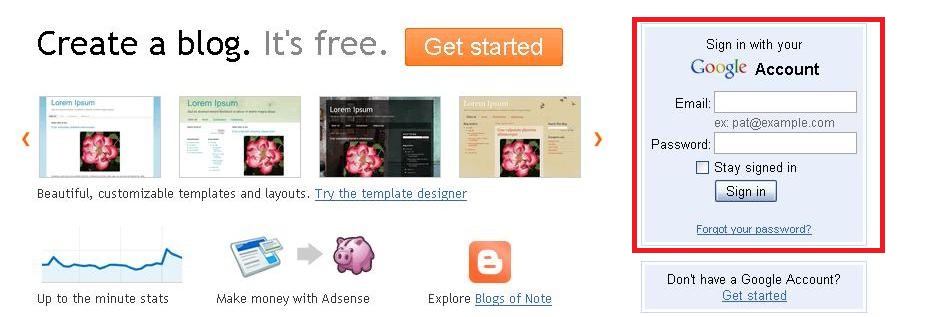
Registered as the owner of a blog using blogger platform is not as difficult as imagined.
By following a few simple steps below, you are called a blogger.
Before the start of registration for blogspot account, you must have a google account first. Other accounts shall be, but in the long run, there is a convenient google account since blogger.com is a product from google.
If you already have a google account, can sign now or click here
If you do not have a google account, please register here first to facilitate the registration process blogspot account.
Here are the steps needed to register an account with blogspot.
1. Open link www.blogger.com
2. When the display is out, click on 'create a blog'

3. Next enter the required information and click 'continue'.

Blog name is a reference to the trademark blog
Blog address is used by visitors to open your blog. Blog address the most important thing for a blog.
Make sure people easy to remember it

5. Select the template that you feel is appropriate, then click 'continue'
6. Completed. You already have your own blogspot account there can start to type your first entry.